Publish
Updates that look at home in your shop
Write from the back office or an authorised customer account. Add photos, YouTube videos and hashtags, pin important posts, and display recent updates in a storefront widget.
ChaosBuzz · by ChaosTech / Mikomi
Bring shop news, photos and conversations together in a social blog on your PrestaShop storefront.
Try the live blog Explore the demo dashboard
Explore a fictional homeware brand using the real module. The shared demo resets hourly; public photo uploads are disabled.
See the features · Redeem a purchase
Version 1.2.1. AppSumo listing under preparation; purchases are not offered on this page.
Publish
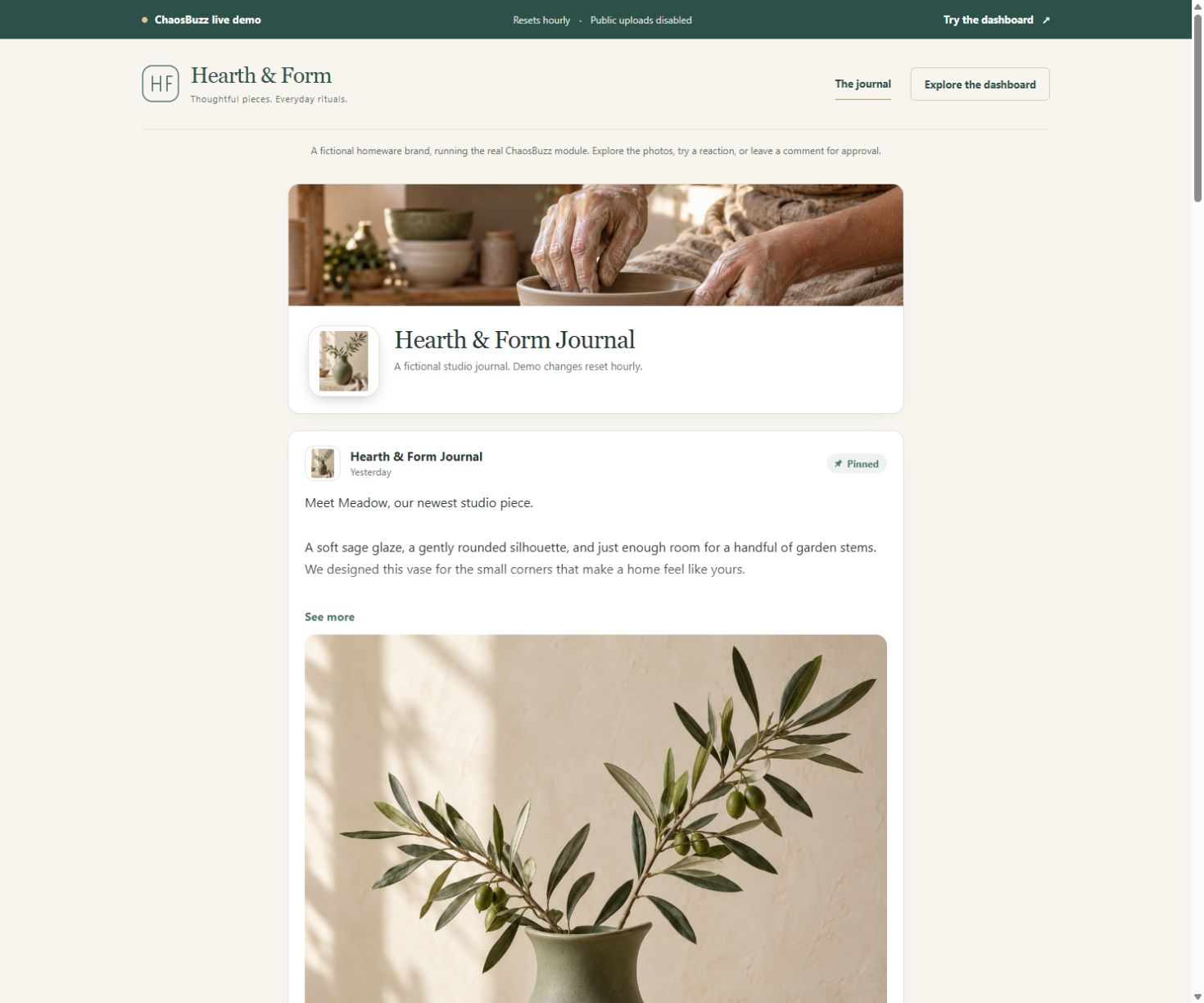
Write from the back office or an authorised customer account. Add photos, YouTube videos and hashtags, pin important posts, and display recent updates in a storefront widget.
Choose your layout
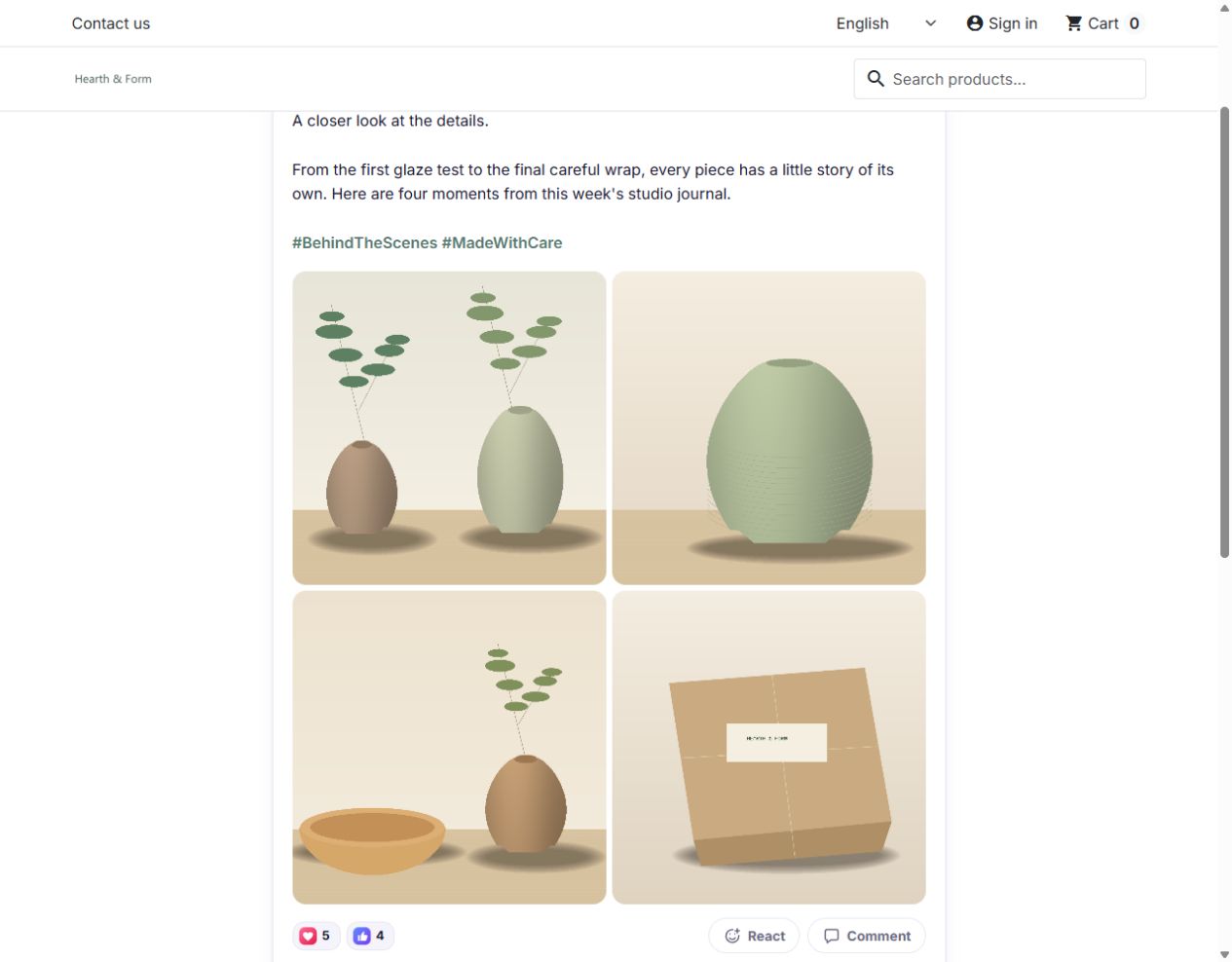
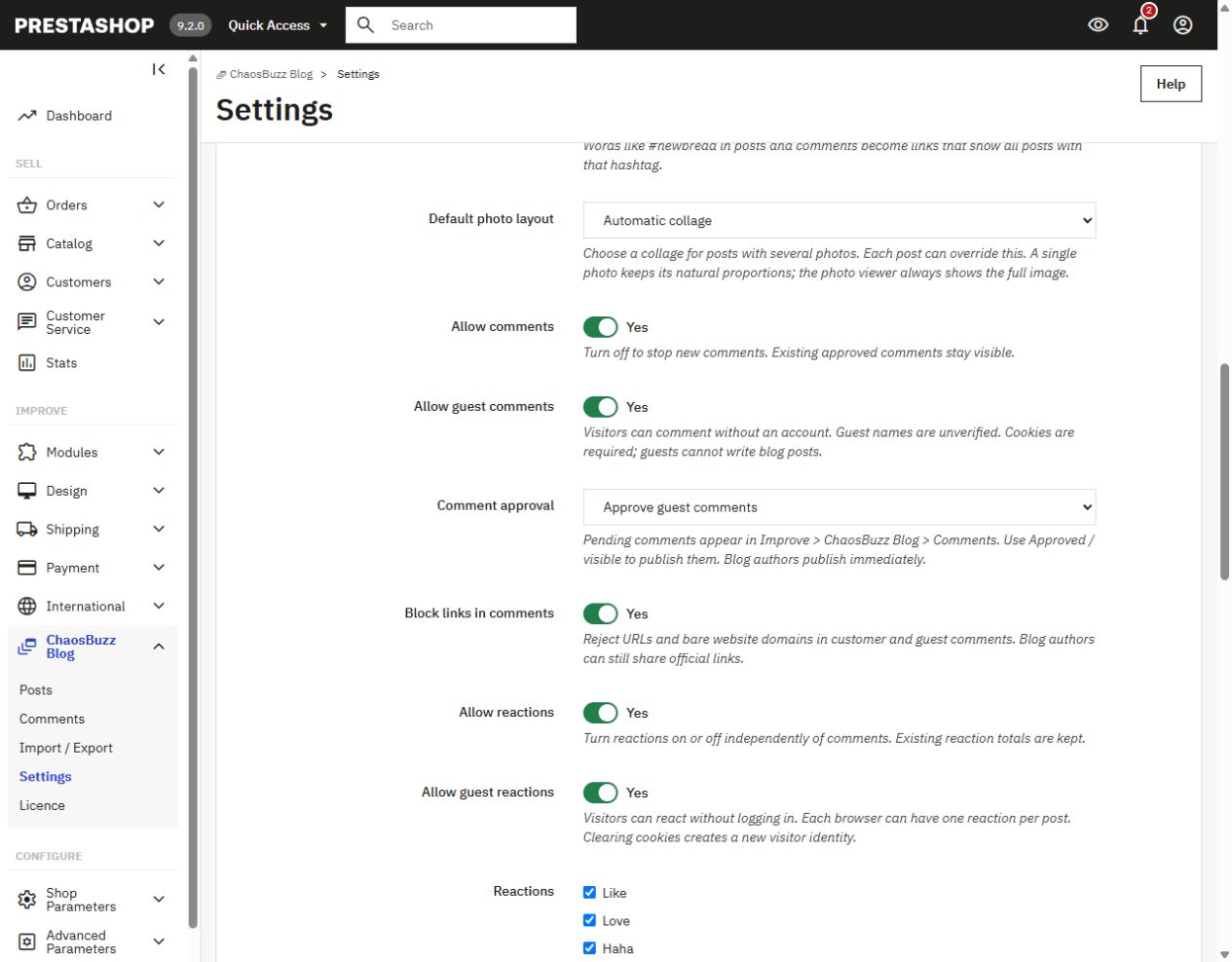
Single photos keep their natural proportions. For several photos, choose Automatic collage, Equal squares or Featured first photo. Visitors can open the viewer to see the complete images.
Stay in control
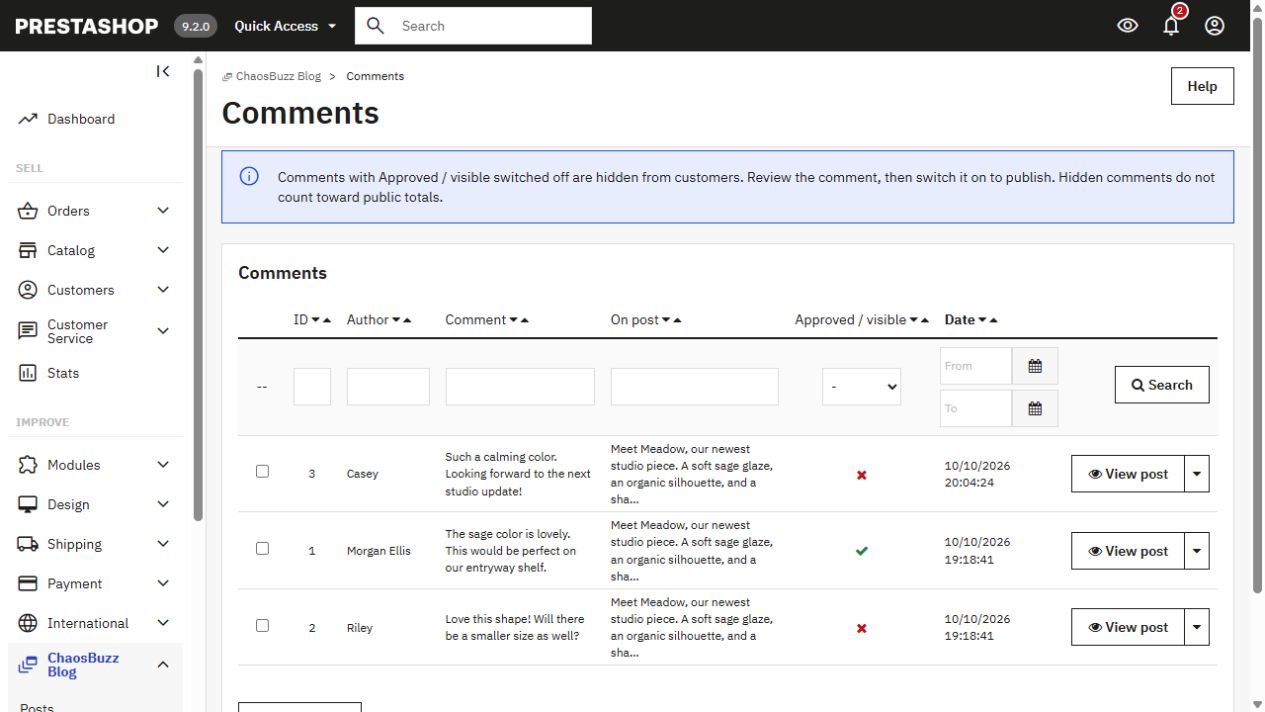
Switch comments and reactions on or off independently. Allow optional guest participation, require comment approval and block common web links. Guest participation is off by default.
Make it yours
Set your page name, cover, profile picture and colours. Choose the default photo layout, comment rules and widget presentation from the back office.
Before you buy
The proposed AppSumo offer includes lifetime use and updates for one PrestaShop shop on one exact domain. It does not include a staging, development or second domain. The www and non-www versions count as distinct domains. Support and refund terms follow the final agreed marketplace offer.
Download the module, then paste your purchase code into Improve > ChaosBuzz Blog > Licence in your shop dashboard. Activation stays inside ChaosBuzz; no separate account is required. Existing account-redeemed purchases can use their issued licence key.
Verification refreshes automatically during shop or dashboard visits when due, with a short timeout and retry delay. No cron setup is required. A daily PHP CLI job remains optional for scheduled checks on quiet shops. Certificates last eight days and refresh from day one, allowing a seven-day service-outage window. Purchased lifetime rights do not expire with a certificate. HTTPS access to this licence service is required for activation and renewal.
PrestaShop 9.2.0, PHP 8.3, MariaDB 11.4 and Hummingbird. Other PrestaShop 8/9, PHP and theme combinations require validation before purchase. Required PHP extensions: GD, ZipArchive, SimpleXML, cURL and OpenSSL.
In-dashboard activation sends your purchase code and saved shop identity. If you use the optional account portal, the service also receives your account information. It does not receive your shop's customers, posts, comments, orders or sales data. In-shop guest comments use a display name and browser identifier. YouTube playback starts after a click; optional preview images contact YouTube image hosting.
Read the licence terms · Licence-service privacy · Your licence keys and downloads · Contact Mikomi
Screenshots show fictional demonstration content in the current release. PrestaShop is a separate platform; ChaosBuzz is an independent module by Mikomi.